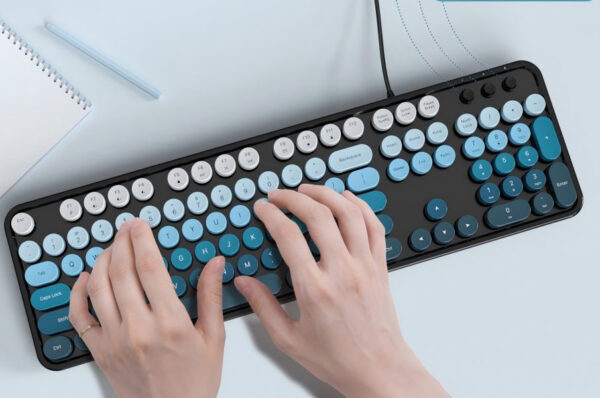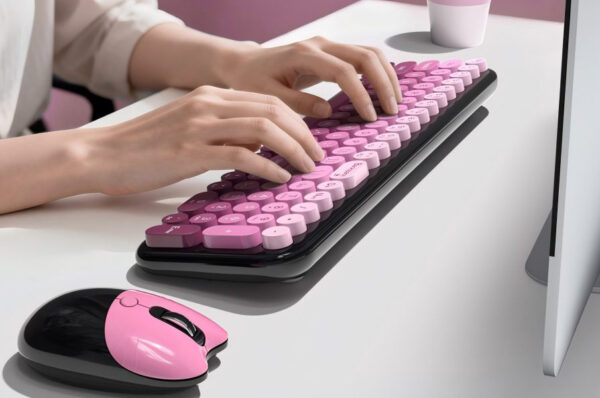
A USB wired computer keyboard is one of those devices we use every day but rarely think about cleaning—until keys start feeling sticky or dust builds up in between them. Whether you’re using a wired USB keyboard for computer work, gaming, or office tasks, keeping it clean not only improves hygiene but also extends its lifespan.
In this guide, we’ll walk through a simple, safe way to clean your keyboard without damaging it—based on practical, real-world maintenance habits.
1. Start by Unplugging the Keyboard (Always)
Before doing anything, disconnect your computer USB keyboard from the PC.
It sounds obvious, but many users skip this step. A plugged-in keyboard can accidentally trigger commands or even cause minor electrical issues if moisture is involved.
For any USB corded keyboard or wired keyboard for PC, this step is non-negotiable.

2. Remove Loose Dust First (Don’t Skip This Step)
Most of the dirt inside a keyboard isn’t visible at first glance.
Turn the keyboard upside down and gently tap it. You’ll be surprised how many crumbs fall out of a typical USB wired computer keyboard used daily.
Then use compressed air to blow out dust between the keys. Keep the can slightly angled—not directly vertical—to avoid moisture buildup.
This step alone already improves the feel of most wired USB keyboards for computers.

3. Clean the Surface Like You Would a Phone
A simple microfiber cloth slightly dampened with alcohol (or mild cleaning solution) works best.
Gently wipe the key surfaces and frame of your computer USB keyboard. Don’t pour liquid directly onto it—this is the most common mistake people make.
For tighter areas, cotton swabs are enough to reach between keys safely.
The goal is simple: clean, not soak.

4. If It’s Very Dirty, Do a Deeper Clean
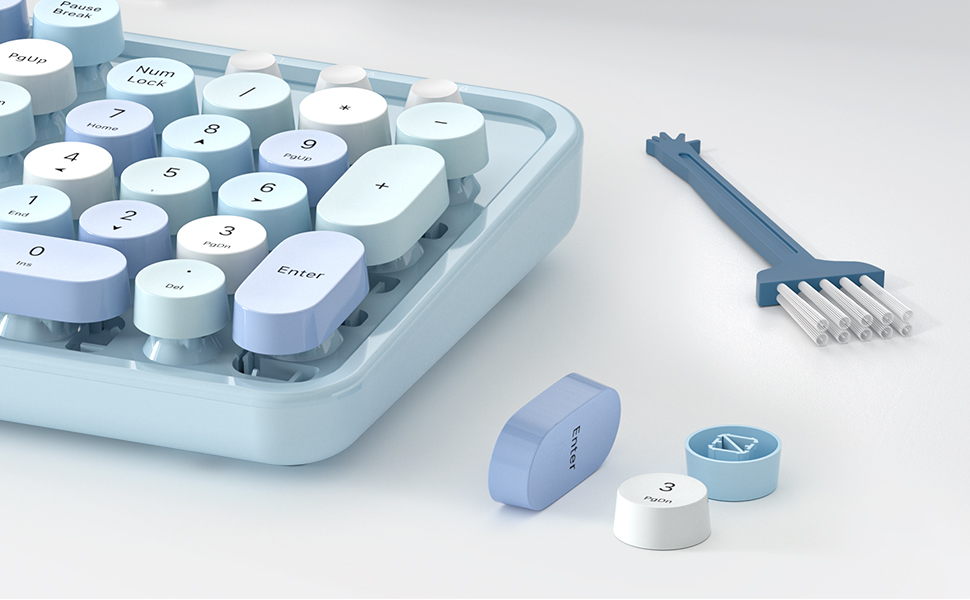
If your USB corded keyboard hasn’t been cleaned in a long time, you may consider removing keycaps (if your model supports it).
- Take a photo before removing keys
- Remove keycaps carefully
- Clean them separately with mild soap water
- Let everything dry completely before reassembly
This method is especially useful for office users who rely heavily on a wired keyboard for PC every day.
5. Build Simple Habits to Keep It Clean Longer
Cleaning once is easy. Keeping it clean is better.
A few habits make a big difference:
- Don’t eat directly over your USB wired computer keyboard
- Wash hands before long typing sessions
- Wipe the surface lightly once a week
- Avoid using it in dusty environments when possible
These small habits keep your wired USB keyboard for computer in good condition for years.
6. Why MOFII Wired Keyboards Hold Up Well
MOFII keyboards are designed for daily, long-term use. A good computer USB keyboard should not only feel comfortable but also withstand repeated cleaning and heavy typing.
MOFII focuses on:
- Durable key structure
- Stable wired connection
- Comfortable typing experience for long sessions
That means even with regular cleaning, a USB corded keyboard from MOFII maintains performance without wear issues.
Final Thoughts:
Cleaning a keyboard isn’t complicated—but doing it correctly matters.
A properly maintained USB wired computer keyboard doesn’t just look better; it feels better, responds better, and lasts significantly longer. Whether you’re using a wired keyboard for PC in the office or at home, a few minutes of care can save you from performance issues later.
FAQ:
Q: Can I use wet wipes on a wired keyboard?
Yes, but only lightly dampened wipes. Never let liquid seep between keys.
Q: How often should I clean my USB wired keyboard?
Light cleaning weekly, deeper cleaning every 1–2 months depending on usage.
Q: Is compressed air safe for keyboards?
Yes, if used in short bursts and from a safe distance.