A tidy desk can make working from home feel a little less overwhelming. When your workspace is free from tangled cables, unnecessary accessories, and things you rarely use, it becomes easier to focus on what you actually need to get done.
Your keyboard and mouse might seem like small details, but they play a bigger role in desk organization than you might expect. A wired set can leave cables running across the desktop, while a keyboard that is too large for your desk may leave little room for a notebook, coffee cup, or other everyday essentials.
That is why a compact keyboard and mouse set can be a practical addition to a minimalist desk setup. It helps reduce cable clutter and keeps your everyday computer accessories together in one coordinated design.
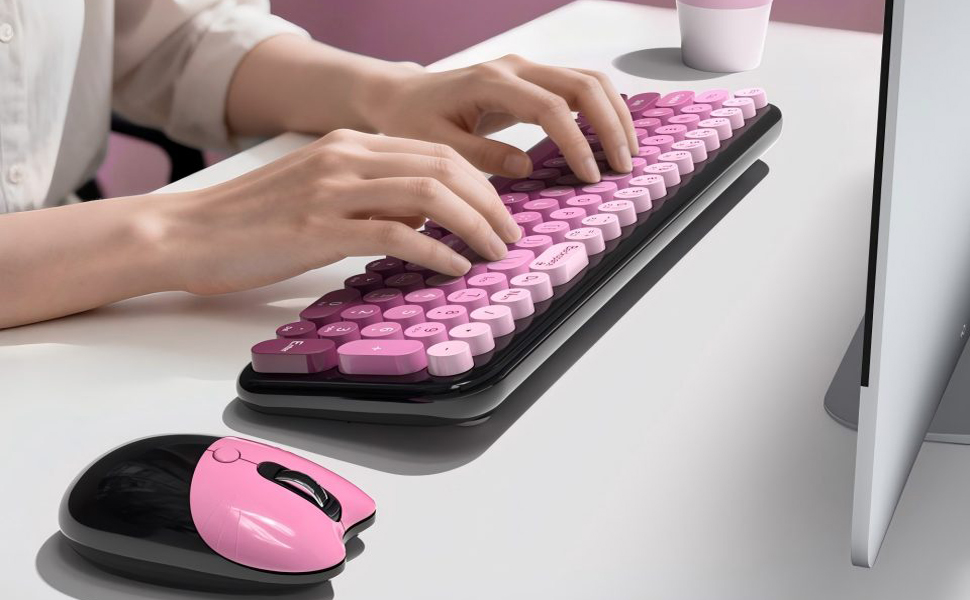
For users who prefer something a little more distinctive than standard office equipment, MOFii offers a wireless keyboard and mouse combo with rounded, typewriter-inspired keys and a cute cat-shaped mouse. It combines a playful retro look with features designed for everyday typing and office work.
But is a compact keyboard and mouse set really worth considering if you want a cleaner desk? The answer depends on how you work, how much space you have, and which keyboard features you use most.
1. A Cleaner Desk Starts with Fewer Cables
One of the easiest ways to make a desk look more organized is to remove cables that do not need to be there.
A traditional wired keyboard and mouse require separate connections to your computer. Those cables can get in the way when you move your mouse, rearrange your accessories, or try to keep your desktop looking neat.
A wireless keyboard and mouse combo eliminates the need for those two peripheral cables. Instead of connecting each device separately, MOFii uses a single 2.4G nano receiver for the keyboard and mouse.
Simply plug the receiver into a compatible USB port, and you can start using the set without installing additional drivers on supported systems.
The receiver is stored inside the mouse when not in use, so there is no need to keep track of a separate accessory when moving your setup or putting the keyboard away.
Of course, a wireless keyboard and mouse will not eliminate every cable on your desk. Your monitor, laptop charger, and other equipment may still need connections. However, removing even two cables can make a noticeable difference, particularly on a smaller desk.

2. Does a Minimalist Desk Have to Look Plain?
Not at all. A minimalist setup is about keeping things intentional, not removing every hint of personality.
Some people prefer neutral colors and simple geometric designs. Others want their workspace to feel warmer and more personal. The trick is finding accessories that add character without making the desk feel crowded.
A Retro Keyboard That Stands Out for the Right Reasons
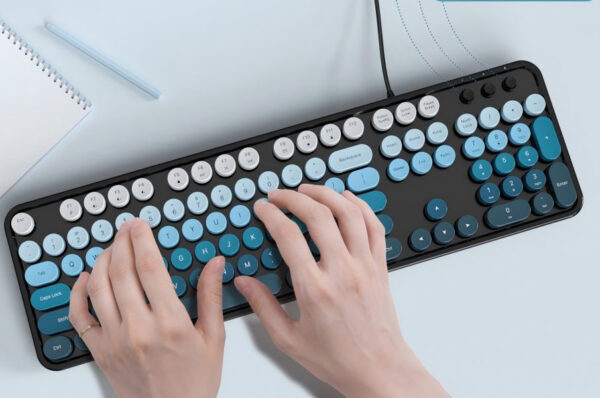
MOFii’s keyboard features rounded keys inspired by vintage typewriters. The design gives it a nostalgic look that feels different from the flat, conventional keyboards commonly found in offices.
Paired with a cute cat-shaped mouse, it creates a coordinated look that can suit a home office, study desk, or creative workspace.
The appeal is not just about appearance. When your keyboard and mouse already share a similar design, you may not need as many decorative accessories to make your desk feel complete.
For example, a simple desktop, a monitor, a desk lamp, and a retro keyboard can be enough to create a workspace that feels organized without looking impersonal.
If you enjoy cute desk accessories but still want a practical setup, this kind of design offers a middle ground between standard office equipment and purely decorative products.
3. Compact Size vs. Full-Size Layout: Which Matters More?
Here is something worth considering before buying a compact keyboard and mouse set: smaller is not always better.
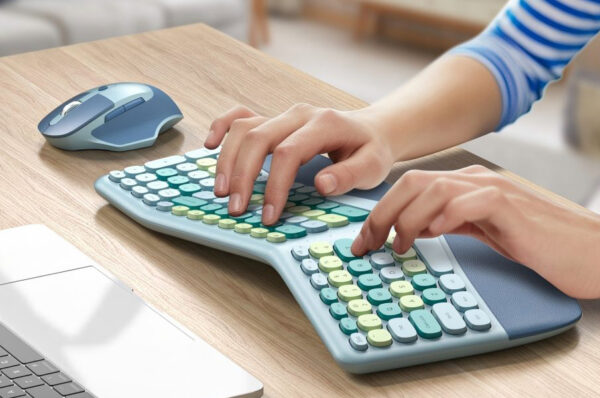
A compact keyboard usually saves space by removing certain keys or reducing the distance between sections. That can be helpful if you have a narrow desk or need more room to move your mouse. However, a smaller layout may not suit everyone.
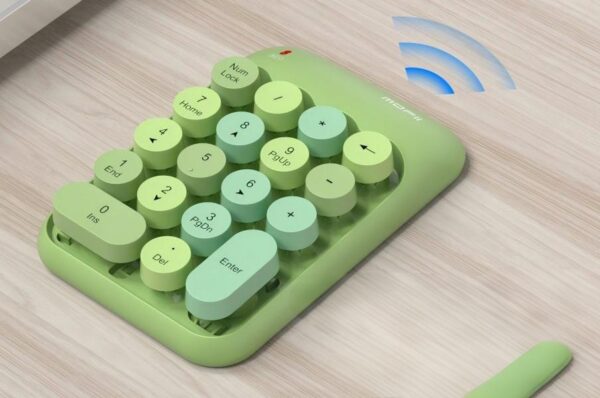
If you regularly work with spreadsheets, enter numerical data, or handle administrative tasks, a dedicated numeric keypad can be surprisingly useful.
Why the Numeric Keypad Still Matters
MOFii’s keyboard features a five-row, full-size layout with a numeric keypad. It is designed to support everyday typing, office tasks, and data entry without requiring users to give up essential keys.
This makes it a practical option for people who want to simplify their desk without switching to a smaller keyboard layout.
Consider a typical workday. You might spend the morning answering emails, use a spreadsheet in the afternoon, and finish by updating reports or entering figures. Having a dedicated numeric keypad can make those tasks more convenient.
A smaller keyboard may still be the better choice if maximizing mouse space is your main priority. But if you rely on a full set of keys, preserving functionality may matter more than saving a few extra centimeters. The important thing is to choose a keyboard that fits both your desk and your routine.

4. Wireless Convenience Makes Everyday Setup Easier
A minimalist desk should be easy to organize, but it should also be easy to use.
With a wireless keyboard and mouse combo, you have more freedom to position your accessories where they feel comfortable. You can move the keyboard closer to your monitor, adjust the mouse position, or clear the desk when you need extra room.
MOFii’s 2.4G wireless connection has a stated range of up to 10 meters under suitable conditions. That provides flexibility for compatible desktop computers, laptops, and other supported devices.
The setup is also straightforward. There is no separate driver installation required on supported systems, and both peripherals use the same nano receiver.
There is one small detail to keep in mind: the receiver still needs a compatible USB port. If your laptop only has USB-C ports, you may need an appropriate adapter or hub.
MOFii lists compatibility with Windows XP, Vista, 7, 8, and 10, along with use on compatible PCs, laptops, notebooks, and smart TVs. If you plan to use the set with a newer operating system or a device with different connectivity requirements, check the specifications for the exact model before purchasing.

5. Automatic Sleep Mode Helps Reduce Battery Waste
Wireless accessories are convenient, but nobody wants to think about changing batteries more often than necessary.
MOFii addresses this with an automatic power-saving mode. When the keyboard and mouse remain idle for five minutes, they enter sleep mode to reduce battery consumption. Pressing a key wakes them up so you can continue working.
This feature is useful if you frequently step away from your computer for meetings, phone calls, or short breaks throughout the day.
It is a small convenience, but those small details can make everyday accessories easier to live with.
Keep in mind that actual battery life depends on usage and battery quality. Automatic sleep mode helps conserve power, but it does not eliminate the need for replacement batteries.
For a low-maintenance desk, it is worth considering power-saving features alongside connectivity, layout, and design.
6. How to Make a Compact Keyboard and Mouse Set Work on Your Desk
Buying new peripherals is only part of the process. A few simple adjustments can help you get more out of the space you already have.
Start with the essentials. Keep your monitor, keyboard, and mouse within easy reach. Move rarely used stationery, spare cables, and other items into a drawer or organizer.
Position your keyboard carefully. Place it directly in front of your monitor so you do not have to keep turning your body while typing. If you choose a full-size model with a numeric keypad, make sure there is still enough room for comfortable mouse movement.
Keep the remaining cables under control. A wireless keyboard and mouse remove two cables, but your monitor and charging accessories may still create clutter. Cable clips or an under-desk cable tray can help keep them out of sight.
Limit unnecessary decorations. You do not have to leave the desk completely bare. Choose a few items you genuinely enjoy, such as a desk lamp, a small plant, or a notebook, rather than filling every empty space.
Choose accessories that work together. A matching keyboard and mouse can make a desk look more cohesive. MOFii’s retro keyboard and cat-shaped mouse are a good example of how functional accessories can also contribute to the overall look of a room.
The goal is not to make your desk look like a showroom. It is to create a space that feels comfortable, works for your daily routine, and stays reasonably easy to maintain.
7. Who Is the MOFii Wireless Keyboard and Mouse Combo Best For?
The MOFii combo may be worth considering if you want something that looks different from conventional office peripherals without giving up a practical keyboard layout.
It can be a good fit for several types of users:
- Home office workers who want fewer cables and a more organized desktop.
- Students looking for a keyboard and mouse that bring a little personality to a study area.
- Office professionals who use a numeric keypad for spreadsheets, calculations, and data entry.
- Remote workers who prefer a straightforward wireless setup for a compatible computer.
- Fans of retro or cute accessories who want their keyboard and mouse to complement the rest of their desk.
- Gift shoppers looking for a coordinated accessory set with attractive packaging for friends, partners, or children.
MOFii also offers customer service for questions and support needs.
That said, the set may not be the right choice for everyone. If your desk is extremely small, a tenkeyless or 60% keyboard could leave more room for your mouse. If you prefer Bluetooth or need a keyboard that works without a USB receiver, you should look for a model with those specific features.
A little planning before you buy can help you avoid choosing a product based on appearance alone.

8. What Should You Look for Before Buying?
Before settling on a compact keyboard and mouse set, consider a few practical questions.
| What to check | Why it matters |
|---|---|
| Keyboard layout | A numeric keypad is useful for data entry but takes up additional space. |
| Connection type | A 2.4G receiver is convenient if your computer has a compatible USB port. |
| Device compatibility | Operating system and port requirements can vary between devices and product versions. |
| Power management | Automatic sleep mode can help conserve battery power. |
| Design and comfort | Key spacing, keyboard height, and mouse shape affect the everyday experience. |
| Available desk space | Measure your desk before deciding whether a full-size or smaller layout makes more sense. |
A good keyboard and mouse set should make your routine easier, not force you to adapt to features you do not need.
If you spend most of your time typing documents and working with spreadsheets, a full-layout keyboard may be the more practical option. If your priority is maximizing free space for drawing, writing, or mouse movement, a smaller keyboard could be a better fit.
Final Thoughts
So, can a compact keyboard and mouse set simplify a minimalist desk setup?
Yes, provided you choose one that fits your working habits. Wireless connectivity helps reduce cable clutter, a coordinated design keeps your accessories looking consistent, and a suitable keyboard layout ensures that saving space does not come at the expense of everyday convenience.
MOFii’s wireless keyboard and mouse combo brings these ideas together with rounded, typewriter-inspired keys, a cute cat-shaped mouse, a full-size layout with a numeric keypad, and automatic power-saving mode. It is an option for users who want their desk to feel organized without giving up a little personality.
Ultimately, a well-designed workspace does not need to be completely bare. It simply needs to work for you. Sometimes, replacing a few everyday accessories with a more practical and coordinated set is all it takes to make your desk feel cleaner, more comfortable, and easier to use.