Let’s face it: a clunky, mismatched desktop setup can quietly drain your daily productivity and ruin your desk aesthetic. If you are looking to upgrade your workspace, buying a dedicated keyboard mouse combo is the easiest way to ensure seamless hardware compatibility, save USB ports, and create a clean, unified look.
But with endless options available online, what features actually matter for long-term comfort and performance? Whether you are setting up a home office or looking for a stylish upgrade, here is the ultimate checklist of what to look for in a keyboard and mouse set, featuring the design philosophy of MOFII.
1. Clutter-Free Connectivity: The Power of Wireless Sets
The first thing to consider is how your peripherals connect to your computer. While wired options exist, a wireless keyboard and mouse set has become the gold standard for modern, minimal workspaces.
When evaluating wireless performance, keep these technical features in mind:
-
2-in-1 USB Nano Receiver: Look for a combo that operates on a single $2.4\text{ GHz}$ USB dongle. This connects both the keyboard and the mouse simultaneously, saving precious ports on your laptop or PC.
-
Drop-Free Range: Ensure the wireless signal covers at least 30 feet ($10\text{ meters}$) to allow flexible desk arrangements or remote presentations.
-
Plug-and-Play Setup: You shouldn’t have to fiddle with complicated drivers. The best combos work the second you plug them in.

2. Ergonomics: Protecting Your Wrists and Hands
If you type for hours at a time, comfort isn’t just a luxury—it is a necessity to prevent repetitive strain injuries (RSI). Choosing an ergonomic keyboard and mouse combo will keep you productive without the physical fatigue.
Key Ergonomic Checklist:
Optimal Tilt Angle: Built-in folding legs or an angled chassis reduce wrist extension.
Contoured Mouse Grips: A mouse that mimics the natural curve of your palm eliminates hand cramping.
Low-Profile or Well-Spaced Keys: Keys should require minimal travel distance and a comfortable actuation force to speed up your typing.

3. Aesthetic Design & Tactile Feedback
Your desk is an extension of your personality. Traditional office gear is often a boring sea of black and gray plastic. A great keyboard mouse combo should balance function with distinct visual appeal.
This is where a brand like MOFII stands out from the crowd. Known for breaking the mold of standard office design, their setups offer unique benefits:
-
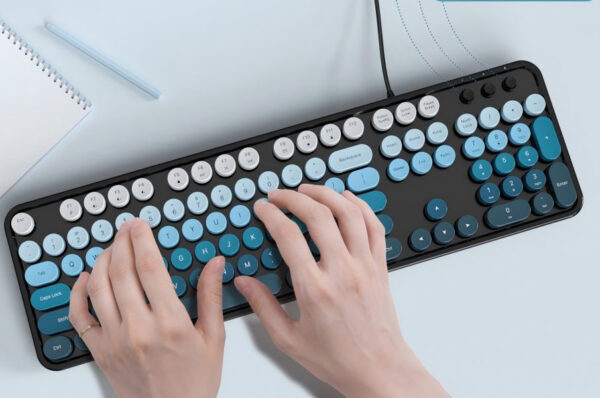
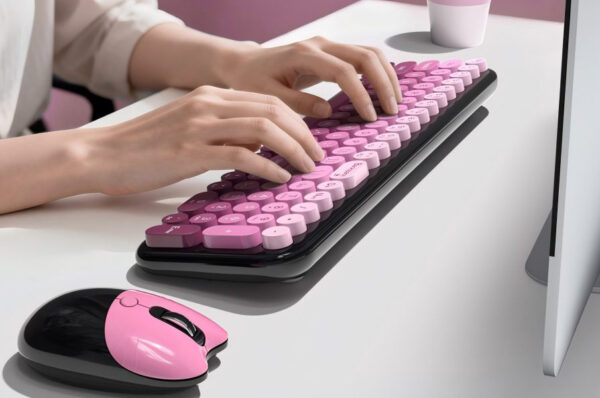
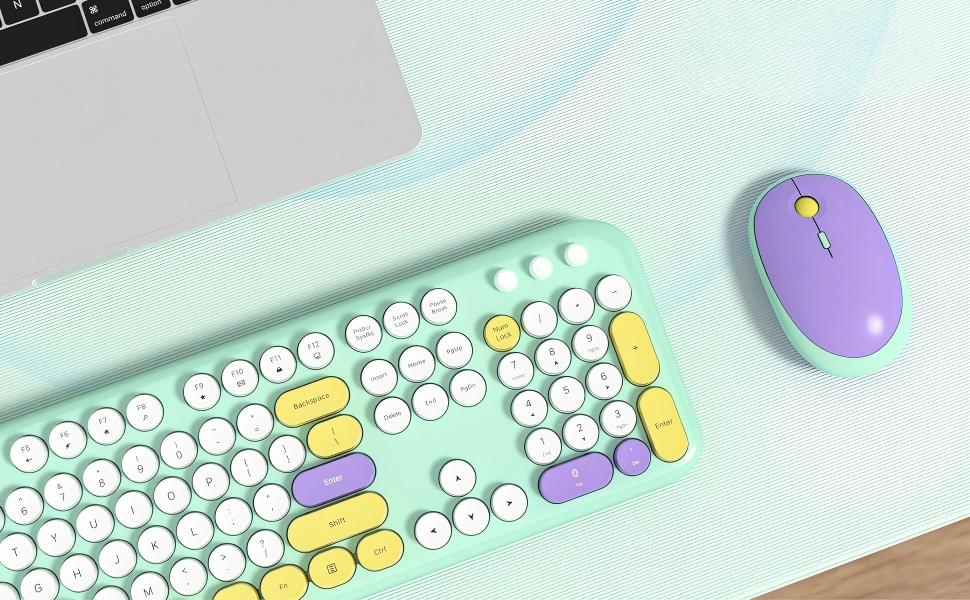
Retro Typewriter Aesthetics: MOFII combos feature round, typewriter-inspired keycaps that provide a uniquely satisfying tactile feel while keeping keystrokes quiet enough for an open office.
-
Expressive Colorways: From pastel pinks and soft matcha greens to vibrant multi-color gradients, these sets easily transform a dull cubicle into an inspiring, creative workspace.
-
Space-Saving Layouts: Whether you need a compact 84-key design to clear up desk space or a full-sized 104-key layout with a numeric pad, matching your specific workflow is seamless.

4. Smart Power Management
There is nothing more frustrating than your mouse dying in the middle of an important project. When shopping for a wireless set, look closely at battery efficiency. Top-tier combos feature an Auto-Sleep Mode. If you step away from your desk for a few minutes, the hardware automatically enters a low-power standby state. A simple click instantly wakes it back up, stretching a standard set of batteries over months of daily use.
The Verdict: Upgrading Your Workflow
The right keyboard mouse combo is an investment in your daily comfort and efficiency. By focusing on a stable wireless connection, smart battery saving, and proper ergonomic support, you set yourself up for a frictionless workday.
If you want to take your desktop to the next level and escape the standard corporate look, the colorful, typewriter-style collections from MOFII deliver the perfect mix of vintage charm, reliable modern tech, and day-long comfort.