When people shop for a wireless keyboard and mouse set, they often focus on appearance or price first. But in real use, what matters more is whether the set feels stable, comfortable, and efficient after hours of work. A poorly chosen setup can slow you down, while a good keyboard and mouse combo can quietly improve your daily workflow without you even noticing.
MOFII, as a brand, sits in a practical segment of the market—offering simple plug-and-play designs that are widely used for office and home setups. But regardless of brand, there are a few key things worth paying attention to before you decide.
1. Connection Stability Matters More Than You Think
The first thing to check in any wireless keyboard and mouse set is how it connects.
Most sets today use either 2.4G wireless or Bluetooth. In real office environments, 2.4G tends to be more stable because it uses a dedicated USB receiver. That means fewer random disconnections and more consistent response time.
For example, many MOFII keyboard and mouse combo products rely on 2.4G connection, which is simple: plug in the receiver and start working. No setup process, no drivers. If your work involves typing, spreadsheets, or fast navigation, this stability becomes more important than people usually expect.

2. Layout and Daily Work Efficiency
The layout of a keyboard and mouse set directly affects how fast and comfortably you work.
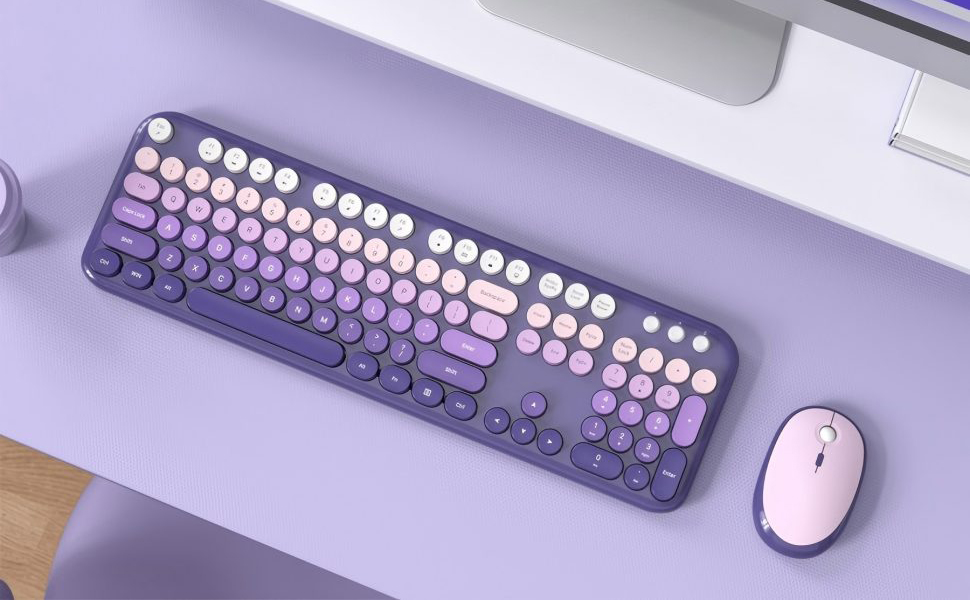
A full-sized keyboard is still the most practical choice for office users because it includes a numeric keypad. If you deal with data entry, accounting, or any kind of numbers, this saves a lot of time.
MOFII’s full-size wireless keyboard and mouse set designs usually follow this structure, which makes them more suitable for office use compared to compact travel keyboards.

3. Typing Feel Is a Long-Term Factor
At first glance, keyboard feel doesn’t seem like a big deal. But after a few hours of continuous typing, it becomes one of the most important factors.
A good keyboard and mouse combo should feel:
- Stable when typing
- Comfortable on the fingers
- Not overly loud or tiring
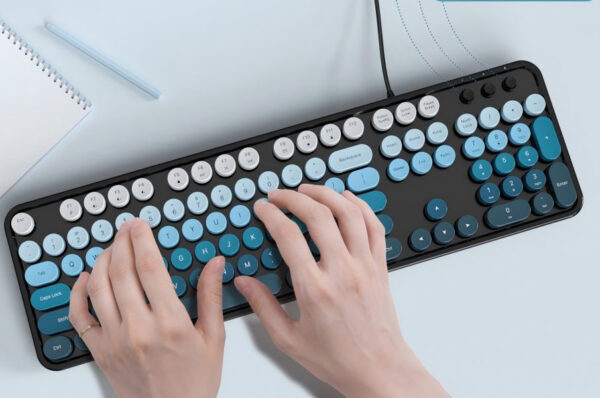
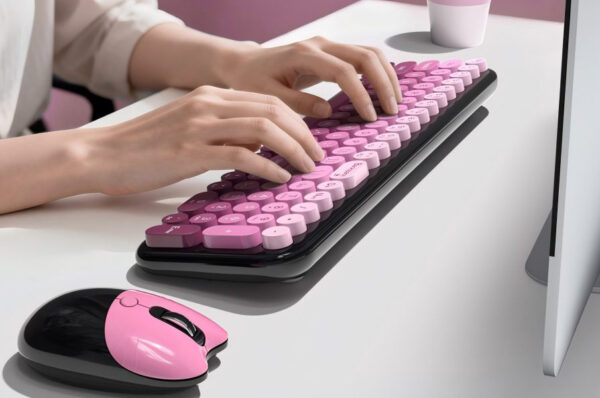
Some MOFII models use round key designs, which give a slightly different tactile experience compared to standard flat keys. Whether you like it or not is subjective, but it does change how typing feels over long sessions.

4. Ergonomics and Fatigue
If you use your computer daily, ergonomics becomes something you cannot ignore.
A decent wireless keyboard and mouse set should allow your hands to rest naturally. Poor design leads to wrist tension or shoulder fatigue over time. Even simple design choices—like key spacing or mouse shape—can make a noticeable difference after several hours of work.
5. Practical Details: Battery and Reliability
Small details often decide whether a keyboard and mouse set feels convenient or annoying in daily use.
Things worth checking:
- How long the battery lasts
- Whether it has auto sleep mode
- How easy it is to replace or recharge
A set that requires frequent attention quickly becomes frustrating, even if everything else is good.

6. Design and Desk Setup
While performance comes first, design still matters—especially if you care about your workspace.
MOFII’s keyboard and mouse combo products are often chosen not just for function but also for their visual style. Soft colors and retro-inspired designs make them fit well into home offices or minimalist setups. A clean desk layout can also indirectly improve focus and reduce visual clutter.
Conclusion:
Choosing the right wireless keyboard and mouse set is not about finding the “best” product on paper. It’s about finding a set that feels stable, comfortable, and natural for your daily routine.
A good keyboard and mouse combo should disappear into your workflow—you shouldn’t have to think about it while using it. MOFII offers simple and practical options in this category, but the real decision always comes down to how well the set fits your personal working habits and comfort needs.