A wireless keyboard and mouse combo is essential for modern computing, whether for office productivity, gaming, or casual use. MOFii delivers high-quality solutions that combine ergonomic design, performance, and style. This guide breaks down the key features to consider, with illustrations suggested for each section to enhance readability.
1️⃣ Connectivity and Compatibility 🌐
Why it matters: Stable connectivity ensures a lag-free experience.
Key Points:
-
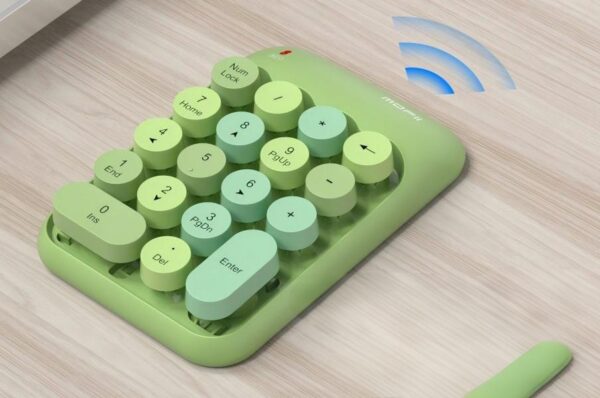
2.4GHz USB Receiver: Reliable plug-and-play performance.
-
Bluetooth Connectivity: Works with laptops, tablets, and devices without USB ports.
-
Cross-Platform Support: Compatible with Windows, Mac, and most USB-enabled devices.
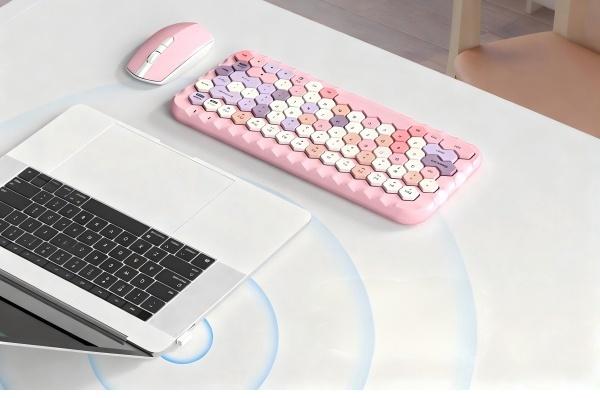
💡 Illustration Suggestion: Diagram showing USB receiver and Bluetooth pairing with multiple devices.
2️⃣ Ergonomic Design 💺
Why it matters: Reduces hand and wrist fatigue during long hours of use.
Key Features:
-
Curved keyboard layout for natural wrist positioning.
-
Contoured keys for comfortable typing.
-
Ergonomic mouse design with smooth grips and adjustable DPI.
💡 Illustration Suggestion: Image comparing traditional keyboard/mouse vs. ergonomic design.

3️⃣ Battery Life and Power Efficiency 🔋
Why it matters: Ensures uninterrupted workflow or gaming sessions.
Key Features:
-
Long-lasting rechargeable batteries.
-
Energy-saving sleep modes.
-
Minimal maintenance for plug-and-play convenience.
💡 Illustration Suggestion: Infographic showing battery life duration and charging options.
4️⃣ Keyboard Features ⌨️
Must-have elements for a wireless keyboard:
-
Key Type: Mechanical vs membrane for typing preference.
-
Backlit Keys: Enhances visibility and aesthetics.
-
Hotkeys & Multimedia Controls: Quick access to volume, media, and shortcuts.
-
Spill-Resistant Design: Protects against accidental damage.
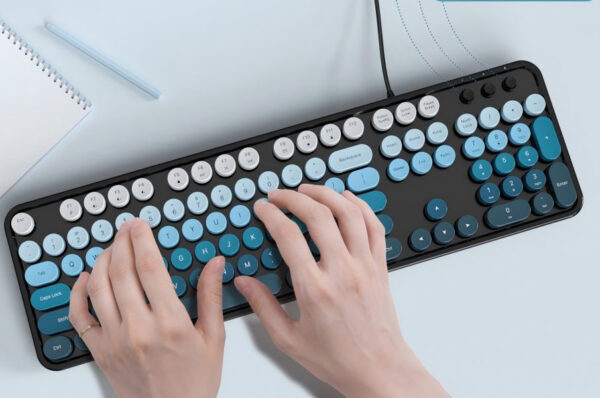
💡 Illustration Suggestion: Close-up of keyboard keys highlighting backlight and ergonomic layout.

5️⃣ Mouse Features 🖱️
Must-have elements for a wireless mouse:
-
Adjustable DPI for precise control.
-
Comfortable ergonomic grip for long usage.
-
Extra programmable buttons for productivity or gaming.
-
Smooth optical or laser tracking.
💡 Illustration Suggestion: Image of mouse showing DPI adjustment and ergonomic grip.
6️⃣ Range and Performance 📶
Why it matters: Determines mobility and usability.
Key Points:
-
Effective range up to 10 meters (33 feet).
-
Stable, interference-free signal.
-
Low-latency performance for typing or gaming.
💡 Illustration Suggestion: Diagram showing range coverage and connection stability.

7️⃣ Durability and Build Quality 🛠️
Key Features:
-
High-quality materials for the keyboard and mouse.
-
Scratch-resistant surfaces and long-lasting construction.
-
Spill-resistant and dustproof designs.
💡 Illustration Suggestion: Image highlighting durable materials and spill-resistant features.
8️⃣ Extra Features and Aesthetics ✨
Why it matters: Enhances both style and user experience.
-
RGB or multi-color backlighting.
-
Silent keys for quiet typing.
-
Slim or compact layouts for portability.
-
Customizable buttons for workflow efficiency.
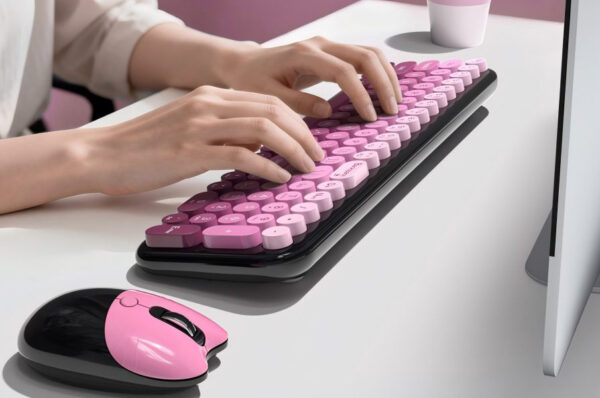
💡 Illustration Suggestion: Lifestyle image showing colorful keyboard/mouse setup on a desk.
Conclusion ✅
Choosing the right wireless keyboard and mouse combo requires evaluating:
Connectivity | Ergonomics | Battery Life | Keyboard Features | Mouse Features | Range | Durability | Aesthetics
The MOFii wireless keyboard and mouse combo combines all these features: ergonomic design, long battery life, precise tracking, and stylish multi-color aesthetics, making it perfect for gamers, professionals, and casual users alike. Upgrade your setup with MOFii and enjoy a seamless computing experience! 🌟