Wireless numeric pads have become an essential productivity tool for users who work extensively with numbers. From accounting and data entry to daily office tasks, a stable wireless numeric keypad can significantly improve efficiency. However, connection issues are one of the most common problems users encounter with wireless number pads.
If your wireless numeric pad is not connecting properly, the issue is usually related to connectivity settings, power, compatibility, or usage environment. Below, we break down the most common causes and practical solutions, helping you quickly restore a stable connection.
Common Reasons Why a Wireless Numeric Pad Won’t Connect
1. USB Receiver Issues
Most wireless number pads rely on a 2.4GHz wireless connection using a USB receiver. If the receiver is not properly detected by your computer, the wireless numeric keypad will fail to connect.
Common causes include:
-
USB receiver not fully inserted
-
Faulty or overloaded USB port
-
Receiver plugged into a USB hub with unstable power
Solution:
Plug the USB receiver directly into your computer’s USB port and try switching ports. Avoid using external hubs when troubleshooting.

2. Power or Battery Problems
A wireless numeric pad requires sufficient power to maintain a stable signal. Low battery levels often cause intermittent connection or complete failure.
Solution:
Replace the batteries or fully charge the device if it uses a rechargeable power source. Even if indicator lights turn on, low voltage can still affect performance.
3. Interference From Other Wireless Devices
Wireless numeric pads operate on the 2.4GHz frequency, which is commonly shared by Wi-Fi routers, wireless mice, keyboards, and Bluetooth devices.
Solution:
Reduce interference by:
-
Moving the wireless numeric pad closer to the USB receiver
-
Keeping it away from routers or other wireless transmitters
-
Disconnecting unused wireless devices temporarily
4. Operating System Compatibility
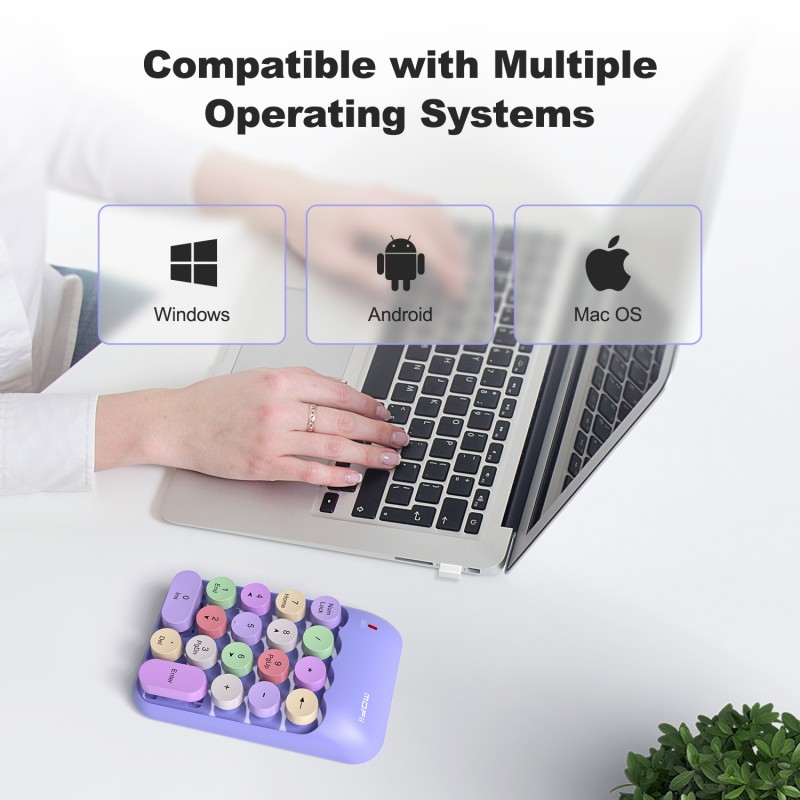
Some users experience issues when switching between operating systems. Not all wireless number keypads behave the same across Windows, macOS, or Chrome OS.
Solution:
Ensure your wireless numeric pad supports your operating system. MOFII wireless number pads are designed for wide compatibility, supporting Windows, Mac OS, Chrome OS, and more without requiring additional drivers.
5. Driver or System Conflicts
Although most wireless numeric keypads are plug-and-play, system updates or background software may interfere with device recognition.
Solution:
Restart your computer and reconnect the wireless numeric pad. If the issue persists, test the device on another computer to determine whether the problem is system-related.

Why a Stable Wireless Numeric Pad Matters for Productivity
A reliable wireless numeric pad is more than just a convenience—it directly impacts workflow efficiency. Delayed input, dropped connections, or inconsistent response can slow down tasks like financial calculations, spreadsheet management, and repetitive data entry.
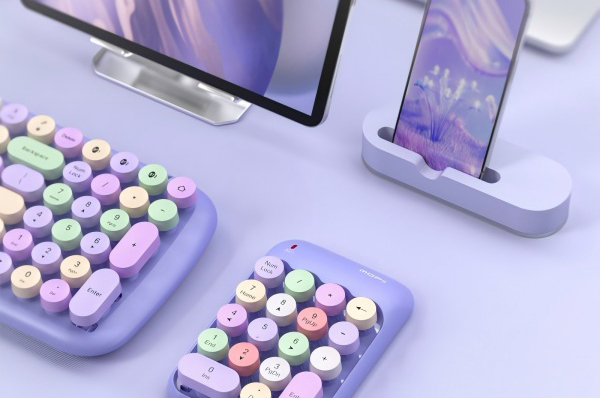
MOFII wireless number pads are designed with:
-
2.4GHz wireless technology for stable, low-latency input
-
Plug-and-play USB receiver with no driver installation
-
Lightweight and portable design for mobile work setups
-
18-key layout optimized for fast numeric input
-
Broad device compatibility across laptops, desktops, and tablets
These features help reduce common connectivity issues while supporting long hours of professional use.
When to Consider Replacing Your Wireless Numeric Pad
If you’ve ruled out battery, receiver, and system issues, persistent connection problems may indicate hardware wear or signal degradation. In such cases, upgrading to a high-quality wireless numeric keypad with stable transmission and tested compatibility can save time and frustration.
Final Thoughts:
Connection problems with wireless numeric pads are usually easy to resolve once the root cause is identified. By checking the USB receiver, power supply, wireless environment, and system compatibility, most users can restore proper functionality in minutes. Choosing a well-designed wireless numeric keypad, such as those offered by MOFII, helps minimize these issues from the start and ensures smooth, efficient number input for both office and home use.