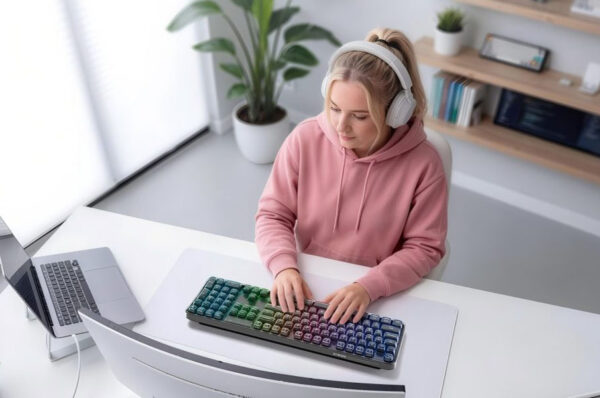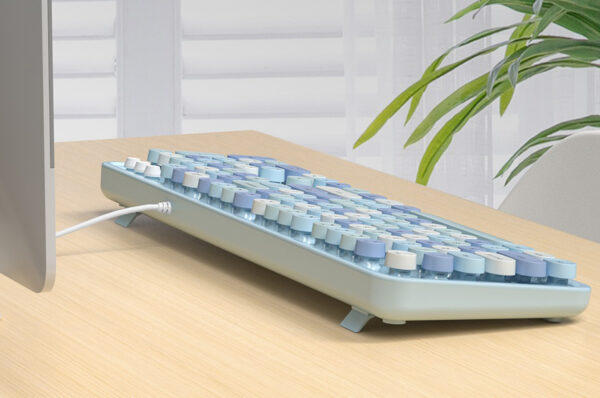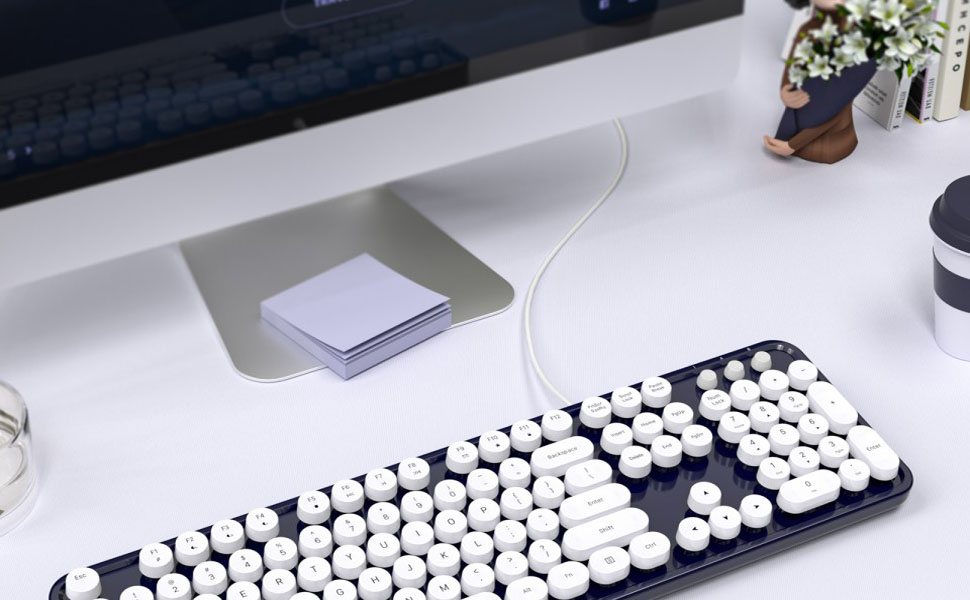
A wired keyboard remains a reliable and essential tool. Unlike wireless keyboards, which can suffer from lag or connectivity issues, usb wired keyboards and computer wired keyboards provide stable, uninterrupted performance. However, not all wired keyboards are created equal. Ergonomic wired keyboards are designed to enhance comfort, prevent fatigue, and improve typing efficiency. In this article, we’ll explore the key features that make an ergonomic keyboard comfortable, why MOFii keyboards are a top choice, and tips for selecting the right model for your laptop or desktop.
Why Ergonomics Are Critical
Long hours of typing on a standard wired keyboard for laptop or desktop can cause:
- Wrist and hand strain
- Muscle fatigue in fingers, forearms, and shoulders
- Long-term repetitive strain injuries, such as carpal tunnel syndrome
An ergonomic wired keyboard addresses these issues through thoughtful design, which promotes:
- A natural wrist and hand position
- Reduced strain and tension in fingers and wrists
- Comfortable typing even during extended use
By investing in an ergonomic model, users can protect their health while improving productivity.

Curved and Split Key Layout
One of the most distinctive features of an ergonomic wired keyboard is its key layout. Curved or split keys are designed to align naturally with the shape of your hands.
Benefits include:
- Minimizing outward bending of the wrists
- Reducing finger strain during fast typing
- Allowing a more natural hand posture
For professionals using a wired keyboard for desktop, or students typing for hours on a wired keyboard for laptop, this feature significantly reduces fatigue and enhances comfort.

Adjustable Tilt and Height
Another key factor in comfort is adjustability. A good computer wired keyboard allows users to modify the tilt and height according to their workspace.
- Neutral wrist positioning: Avoids strain from bending wrists too high or low
- Custom desk fit: Works with desks of different heights and setups
- Enhanced typing efficiency: Improves accuracy and speed during long typing sessions
MOFii ergonomic wired keyboards often include adjustable feet that allow for easy customization of typing angle, making them adaptable to both desktop and laptop use.

Soft and Responsive Key Switches
The feel of the keys is critical. Comfortable key switches provide tactile feedback without causing fatigue.
Key benefits:
- Reduced finger strain: Keys require less force to press
- Quiet typing: Ideal for office environments or shared workspaces
- Consistent travel distance: Ensures typing precision
USB wired keyboards from MOFii combine smooth key travel with a soft touch, making extended typing sessions more comfortable and efficient.
Wrist Support and Palm Rests
Wrist support is another defining feature of ergonomic wired keyboards.
- Cushioning for wrists: Reduces pressure and improves comfort
- Proper alignment: Maintains a neutral hand posture
- Long-term health: Helps prevent repetitive strain injuries
Integrated or detachable wrist rests make a significant difference, especially for those who type extensively on a wired keyboard for desktop.

Durable Construction and Materials
Comfort isn’t just about ergonomics—it’s also about reliability. A well-built wired keyboard for laptop or desktop should offer:
- Sturdy construction: Prevents slipping or wobbling
- Smooth key surfaces: Consistent feel and durability
- Long-lasting performance: Maintains comfort even after months of heavy use
MOFii keyboards are engineered with premium materials, ensuring that comfort and performance go hand in hand.
Additional Comfort Enhancements
Modern ergonomic wired keyboards often include features beyond the basics:
- Multimedia keys: Quick access to volume, media playback, and shortcuts
- Backlit keys: Improves visibility in low-light environments
- Compact layout options: Reduces hand travel for faster typing
These enhancements make wired keyboards for laptop and wired keyboards for desktop versatile for professional work, creative tasks, or even gaming.
Choosing the Right Ergonomic Wired Keyboard
When selecting an ergonomic keyboard, consider the following:
- Device compatibility: Make sure it works with your laptop or desktop
- Key feel: Mechanical vs membrane, tactile feedback, and quietness
- Adjustable features: Tilt, height, and wrist support
- Durability: High-quality construction ensures long-term comfort
- Extra features: Backlighting, media keys, or compact layouts for portability
MOFii ergonomic wired keyboards address all these factors, making them ideal for home offices, professional workspaces, and extended typing sessions.
Why MOFii Ergonomic Wired Keyboards Stand Out
MOFii keyboards are designed for both comfort and productivity:
- Compatible with wired keyboard for laptop and wired keyboard for desktop setups
- Reliable usb wired keyboard connectivity
- Comfortable key design with responsive tactile feedback
- Durable construction that maintains performance over time
These features ensure a typing experience that is efficient, comfortable, and long-lasting.
A high-quality ergonomic wired keyboard is more than just a typing tool—it’s an investment in comfort, health, and productivity. Features like a curved key layout, adjustable tilt, soft key switches, and wrist support all contribute to a superior typing experience. Whether you are using a wired keyboard for desktop or a wired keyboard for laptop, MOFii combines thoughtful design with durable construction, ensuring that every keystroke is comfortable and efficient. Investing in an ergonomic model today can prevent fatigue and promote better typing posture for years to come.