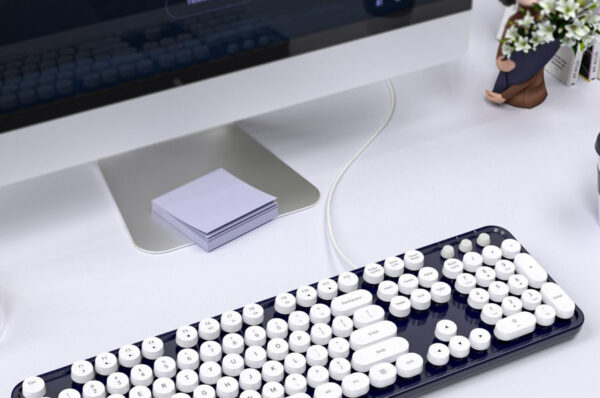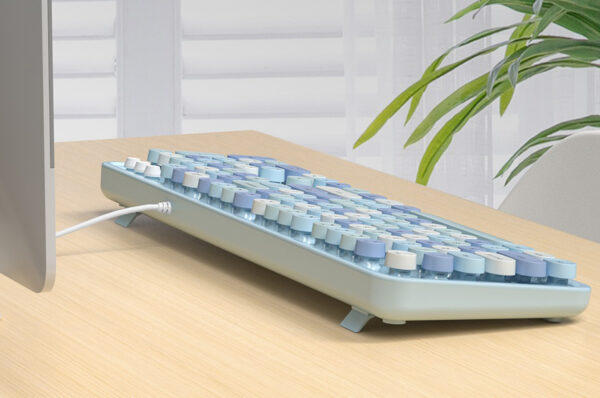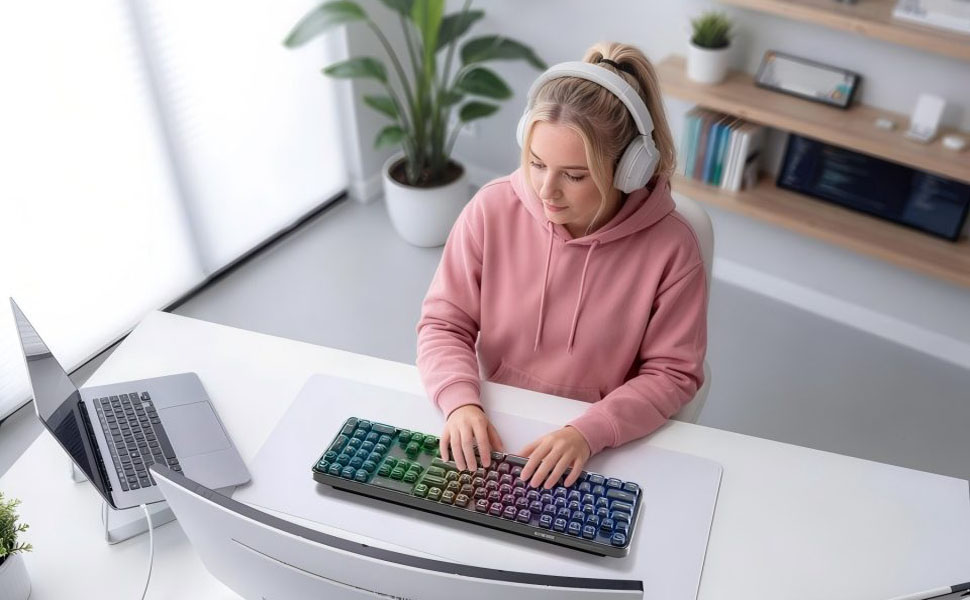
A wireless bluetooth keyboard offers convenience, portability, and a clean workspace. However, connection issues can sometimes interrupt your workflow—whether you’re using a bluetooth keyboard for laptop or a bluetooth keyboard for tablet.
The good news is that most connectivity problems are easy to fix with a few practical steps. In this guide, we’ll walk through the most common issues and solutions, while also highlighting how a reliable device like the MOFii bluetooth keyboard can help you avoid these problems altogether.
🔹 Common Reasons Why Bluetooth Keyboards Fail to Connect
Before fixing the issue, it’s important to understand what causes it. Most bluetooth keyboard problems come from:
- Bluetooth not enabled or unstable
- Low battery levels
- Device compatibility issues
- Interference from other wireless devices
- Outdated drivers or system bugs
Identifying the root cause makes troubleshooting much faster.

🔹 Quick Fixes for Wireless Bluetooth Keyboard Connection Issues
✔ 1. Check Bluetooth Settings
Start with the basics:
- Make sure Bluetooth is turned on
- Ensure your wireless bluetooth keyboard is in pairing mode
- Remove old or unused paired devices
Then reconnect your keyboard to your device.
✔ 2. Restart Your Devices
A simple restart often resolves temporary glitches:
- Restart your laptop, tablet, or phone
- Turn the keyboard off and on again
This refreshes the connection and clears minor system errors.
✔ 3. Check Battery Level
Low power can weaken or interrupt connections.
- Recharge your portable bluetooth keyboard
- Replace batteries if necessary
- Ensure proper charging for rechargeable models
A stable power supply is essential for consistent performance.
✔ 4. Re-Pair the Bluetooth Keyboard
If the connection fails repeatedly:
- Remove the keyboard from your device’s Bluetooth list
- Turn off Bluetooth
- Restart both devices
- Pair again from scratch
This often resolves persistent pairing issues.
✔ 5. Reduce Wireless Interference
Bluetooth operates on wireless signals that can be disrupted.
To improve connection stability:
- Keep your keyboard close to the device
- Avoid interference from Wi-Fi routers or other Bluetooth devices
- Reduce physical obstacles between devices
✔ 6. Update System and Drivers
Outdated software can cause compatibility issues.
- Update your operating system
- Install the latest Bluetooth drivers
- Check firmware updates if available
This is especially important for a bluetooth keyboard for laptop used in professional environments.

🔹 Device-Specific Tips
💻 For Laptop Users
If your bluetooth keyboard for laptop disconnects frequently:
- Disable power-saving mode for Bluetooth
- Check system settings that turn off Bluetooth automatically
- Ensure driver compatibility
📱 For Tablet Users
If you’re using a bluetooth keyboard for tablet:
- Confirm OS compatibility (iOS, Android, Windows)
- Close unused background apps
- Ensure the keyboard supports your tablet version

🔹 How MOFii Keyboards Help Prevent Connection Issues
While troubleshooting is useful, choosing the right keyboard can prevent many problems from occurring in the first place.
MOFii wireless bluetooth keyboard stands out with advanced features designed for stable performance:
Tri-Mode Connectivity
- Supports Bluetooth + multiple connection options
- Easily switch between devices without re-pairing
Universal Compatibility
- Works seamlessly with laptops, tablets, and smartphones
- Ideal as a bluetooth keyboard for laptop or tablet
Ergonomic Curved Design
- Designed for all-day comfort
- Reduces typing fatigue during long sessions
Dynamic RGB Backlighting
- Enhances visibility in low-light environments
- Adds a stylish, modern look
Durable and Reliable Build
- Ensures long-term performance
- Reduces connectivity and hardware issues
With these features, MOFii keyboards provide a smoother and more reliable user experience compared to standard devices.
🔹 Pro Tips to Avoid Future Connection Issues
To keep your portable bluetooth keyboard running smoothly:
- Keep firmware and devices updated
- Avoid overloading Bluetooth connections
- Charge regularly or monitor battery levels
- Store and use the keyboard in a stable environment
Preventive maintenance helps reduce long-term issues.
🔹 Conclusion
Connection issues with a wireless bluetooth keyboard can be frustrating, but most problems are easy to fix with simple steps like restarting devices, re-pairing, or updating software.
For a more reliable experience, investing in a high-quality device like the MOFii bluetooth keyboard ensures stable connectivity, multi-device compatibility, and enhanced usability. Whether you’re working on a laptop or tablet, the right keyboard makes all the difference.